Recipe — Close a bug with quick-fix
Quick-fix is for tight, narrow bugs where you don't want full autonomous ceremony (plan → implement → test). You describe the bug once, the agent fixes it, you verify. That's the whole loop.
1. Capture the bug
Add a card in the Bugs column. Title it for what's broken. In Detail, write:
- What's happening. "The share modal throws a 500 when clicked from an archived document."
- Where it lives. "Started after PR #412. Reproducible on staging."
- Steps to reproduce. Short numbered list
- Expected vs actual. One sentence each
- Screenshot. Paste it inline — images embed as data URIs in the Tiptap editor
This takes two minutes and saves the agent from a round of questions.
2. Run quick-fix
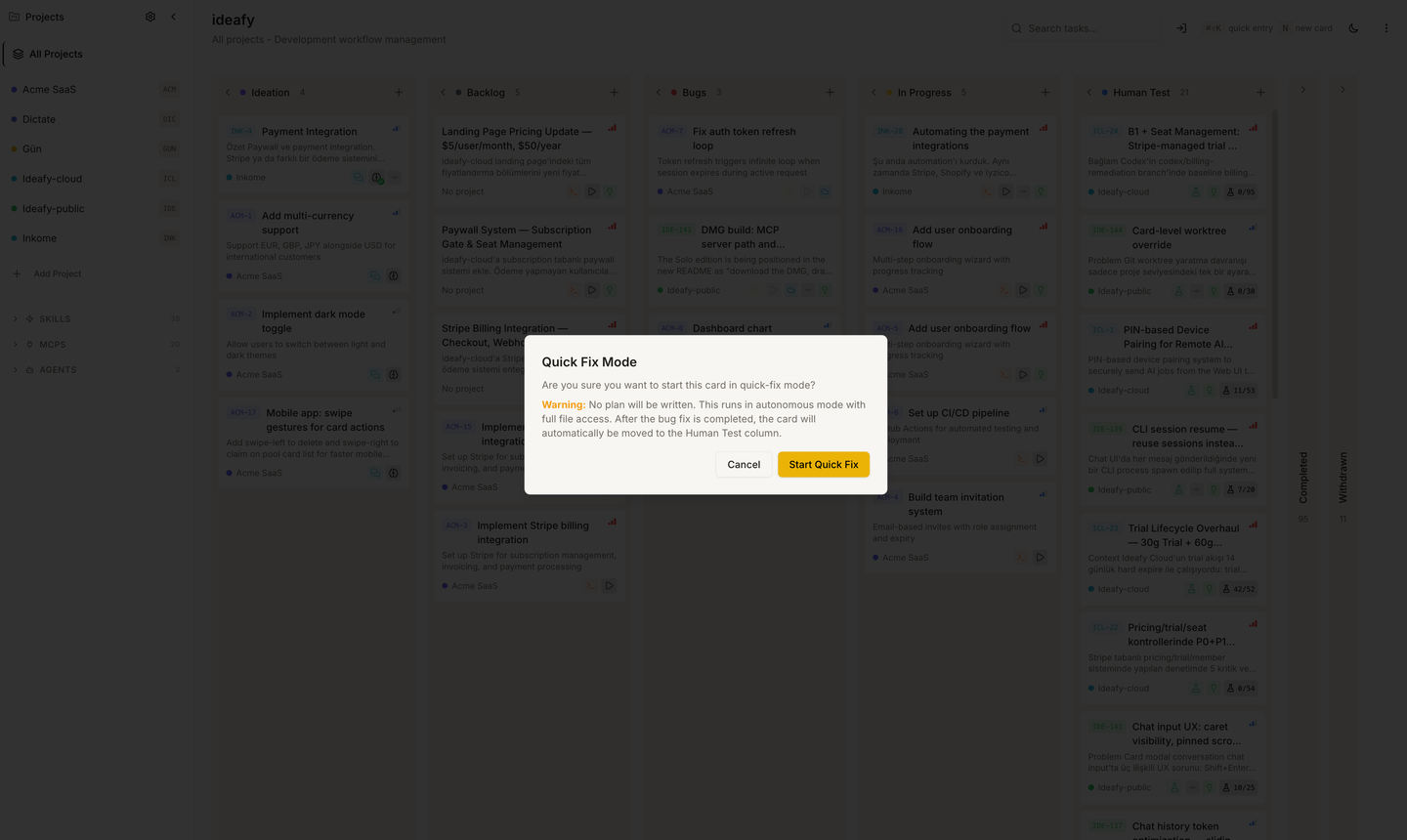
Open the card. In the modal header, click Quick Fix. The card locks; processingType = quick-fix starts.
The agent reads the card, opens the worktree, locates the bug, writes a targeted fix, commits it. No plan. No test generation. No column move. When it's done, processingType clears and the card is unlocked — still in the Bugs column.
Quick-fix is short (typically 1–10 minutes depending on the bug's depth) because it deliberately skips the ceremony of planning and test generation. You trust the agent to make a narrow change; you verify it yourself.
3. Verify
Two ways to verify:
- Check the diff. Open the worktree in your editor, look at what changed, confirm it's what you expected. This is the fast path for a senior developer who can read the fix in 30 seconds
- Reproduce the bug. Start the dev server from the card header (if it's not already running), exercise the reproduction steps, confirm the bug is gone
If the fix looks wrong, send a follow-up message in the card's chat panel. The agent iterates in the same worktree without starting a new quick-fix run.
4. Ship
If you're happy, Merge from the card modal. Ideafy rebases, merges, cleans up, and moves the card to Completed. Done.
If you want to add regression tests before shipping, move the card to Human Test manually by dragging it, write the tests in the Tests tab (or ask the agent to write them with save_tests), then go through the standard Human Test → Completed flow.
When quick-fix is not the right choice
- The bug needs architectural understanding. → Use autonomous. The agent will plan first
- You don't understand the bug yourself yet. → Don't quick-fix. Have a Solution-tab chat to debug, then decide
- Multiple files, multiple layers. → Autonomous again. Quick-fix assumes a narrow change
- You need regression tests. → Autonomous gives you
save_tests; quick-fix doesn't
Quick-fix is deliberately opinionated: it's the fast path for the small change you already understand. Don't try to stretch it beyond that — you'll get worse results than autonomous would give you.
Prev: Ship a feature from Ideation to Completed Next: Hand off a card across the team Up: User guide index