Board views
The same board, four ways of looking at it: day, night, pool, and mobile.
Day mode
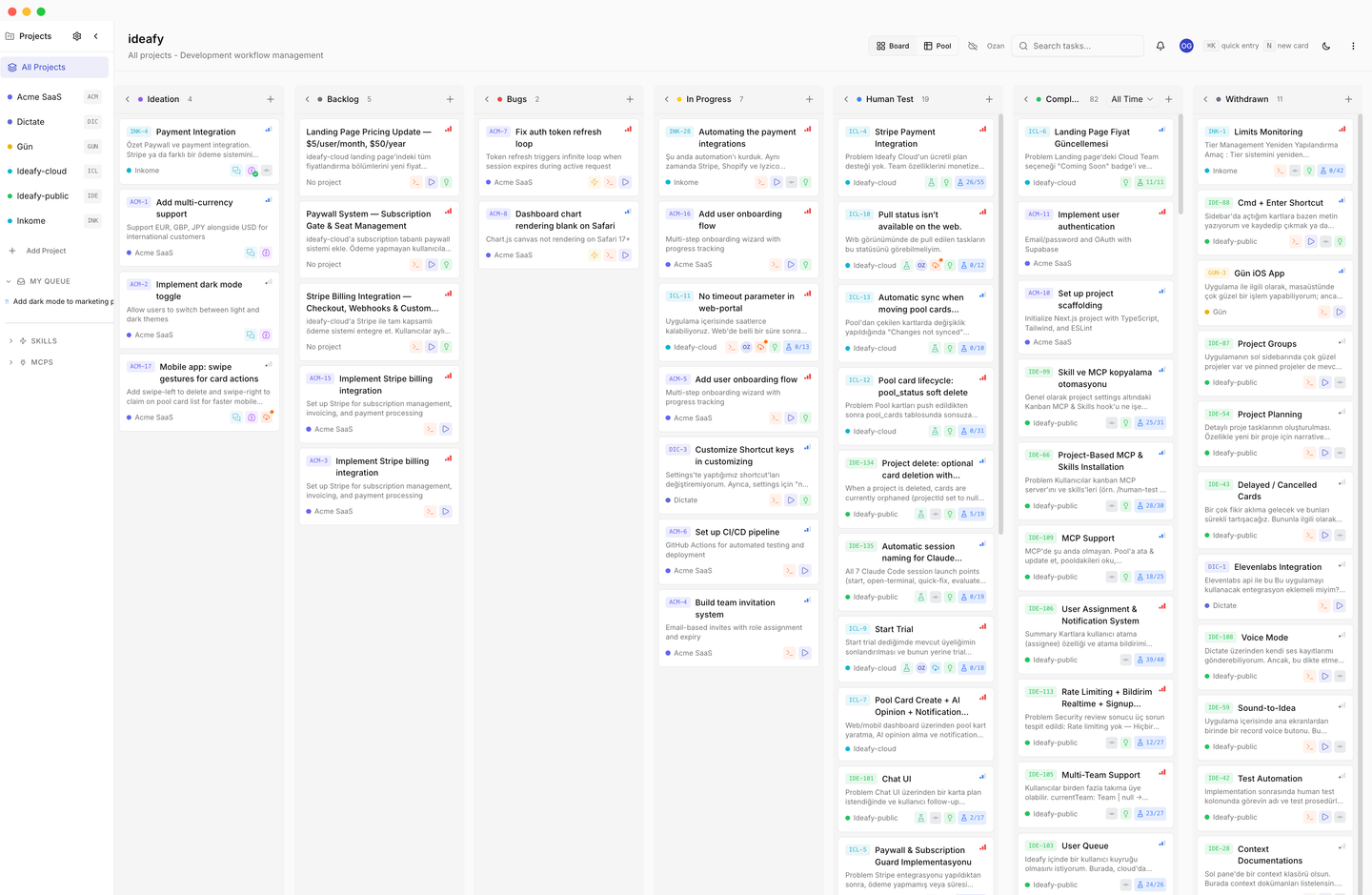
Light theme for daytime work. High contrast, readable in bright environments.
Night mode
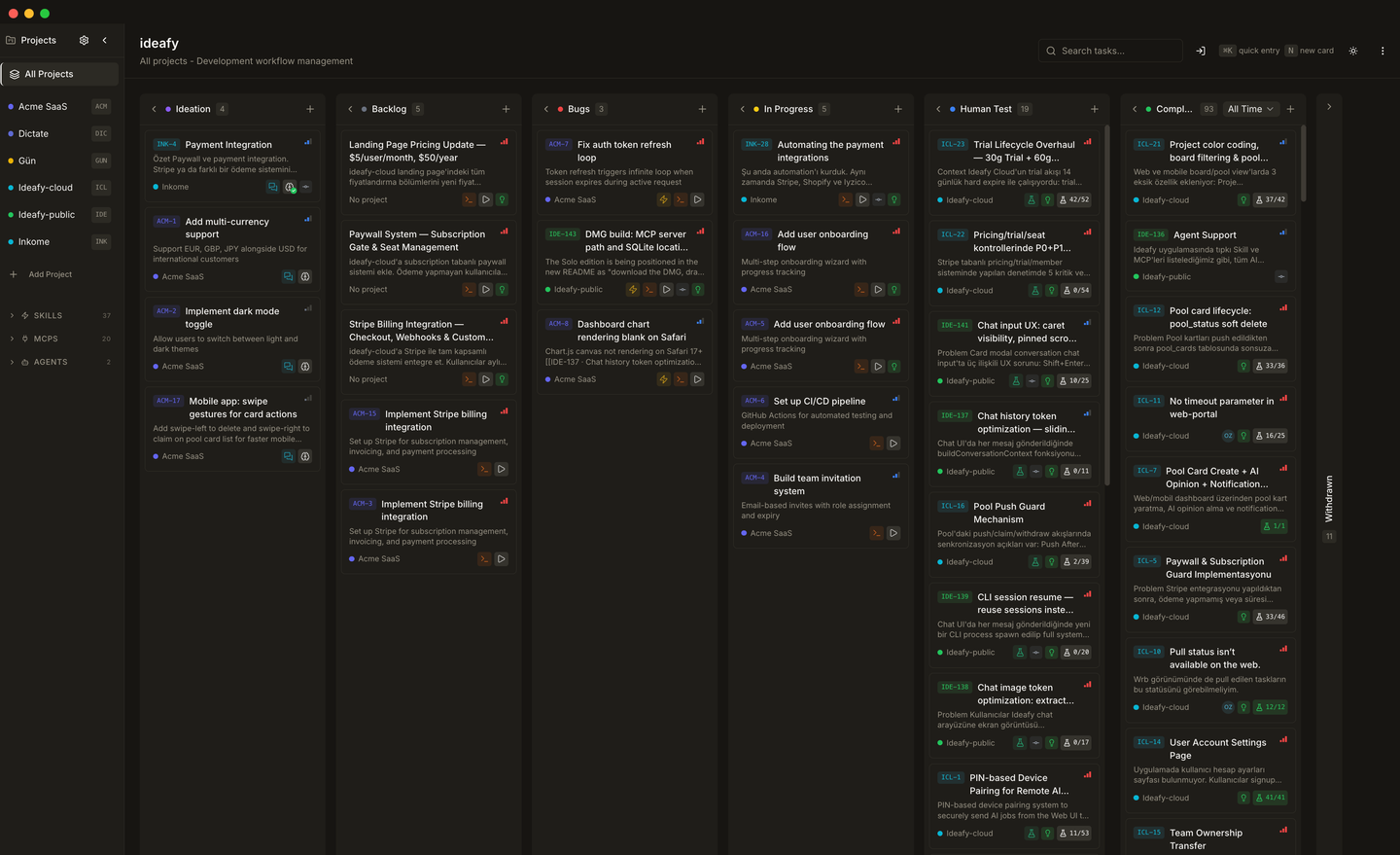
Dark theme — the default for most users. Muted chromakeys, minimal glare.
Toggle between themes from the sidebar. The choice is persisted per device; there's no auto-switching based on time of day.
Pool view (Team edition)
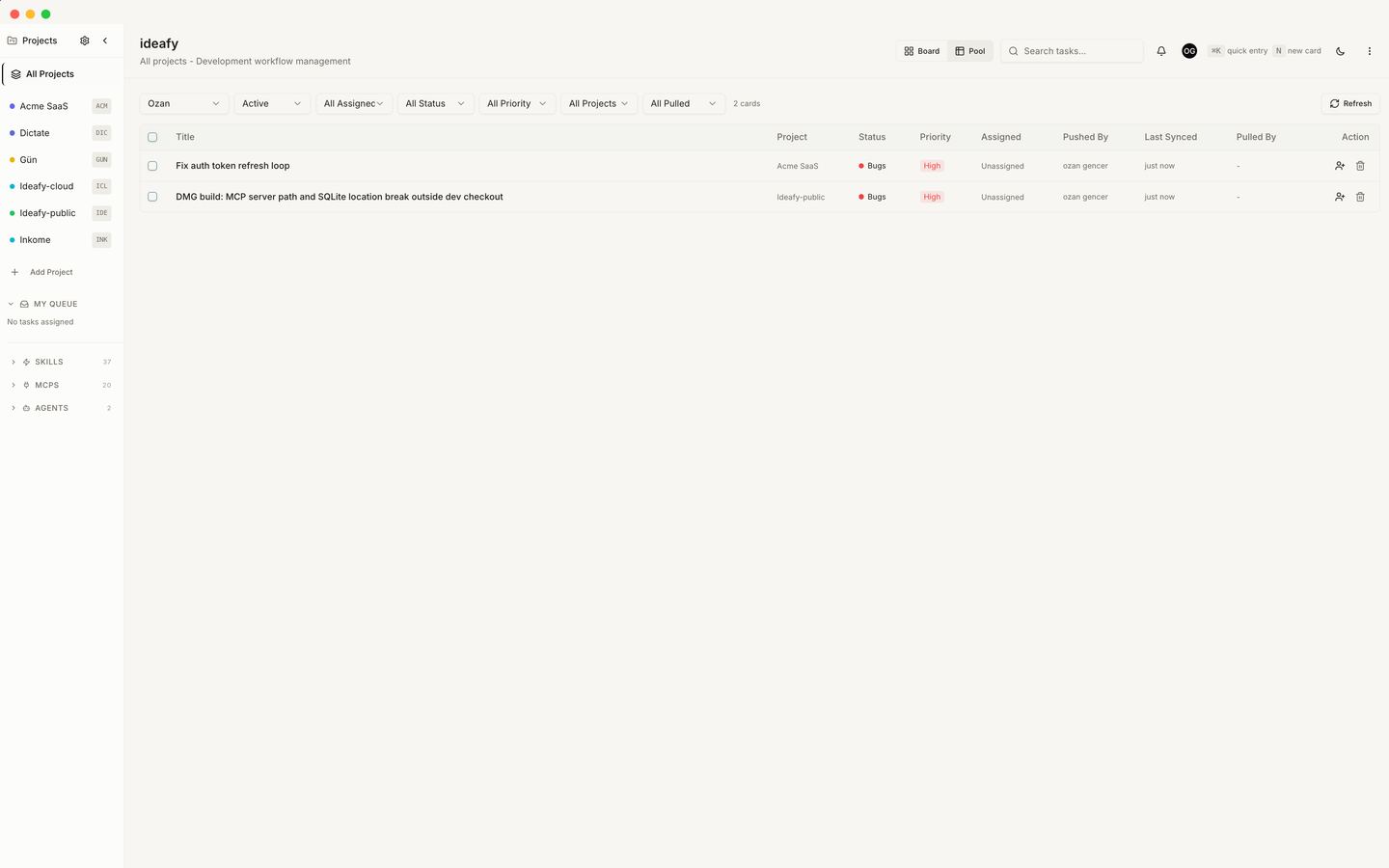
When you're on a team, the Pool view is your window into cards that aren't yet owned — or cards that have been handed off to someone else. See Pool mechanics for the full push/pull/claim flow.
A Hide pooled cards toggle controls how pool-linked cards show up on the main board. The rule is origin-agnostic — it doesn't matter whether you pushed the card or pulled it:
| State on your side | Shown on main board? |
|---|---|
| Pool card assigned to you (you own it) | ✓ |
| Pool card with no assignee yet | ✓ (visible while you might still grab it) |
| Pool card assigned to someone else | hidden (their work, not yours) |
When the filter is off, all pool-linked cards appear on the main board; the ones not assigned to you are rendered with reduced opacity to signal they're in someone else's orbit.
This keeps the kanban focused on your own in-flight work without losing the context that the pool owns. The filter reacts only to pool assignment state — pushing a card, claiming it, reassigning, or running the release dialog all update what shows up instantly.
Mobile
On small screens the board scrolls horizontally rather than collapsing into a vertical stack. Column order and sort rules are identical to desktop.
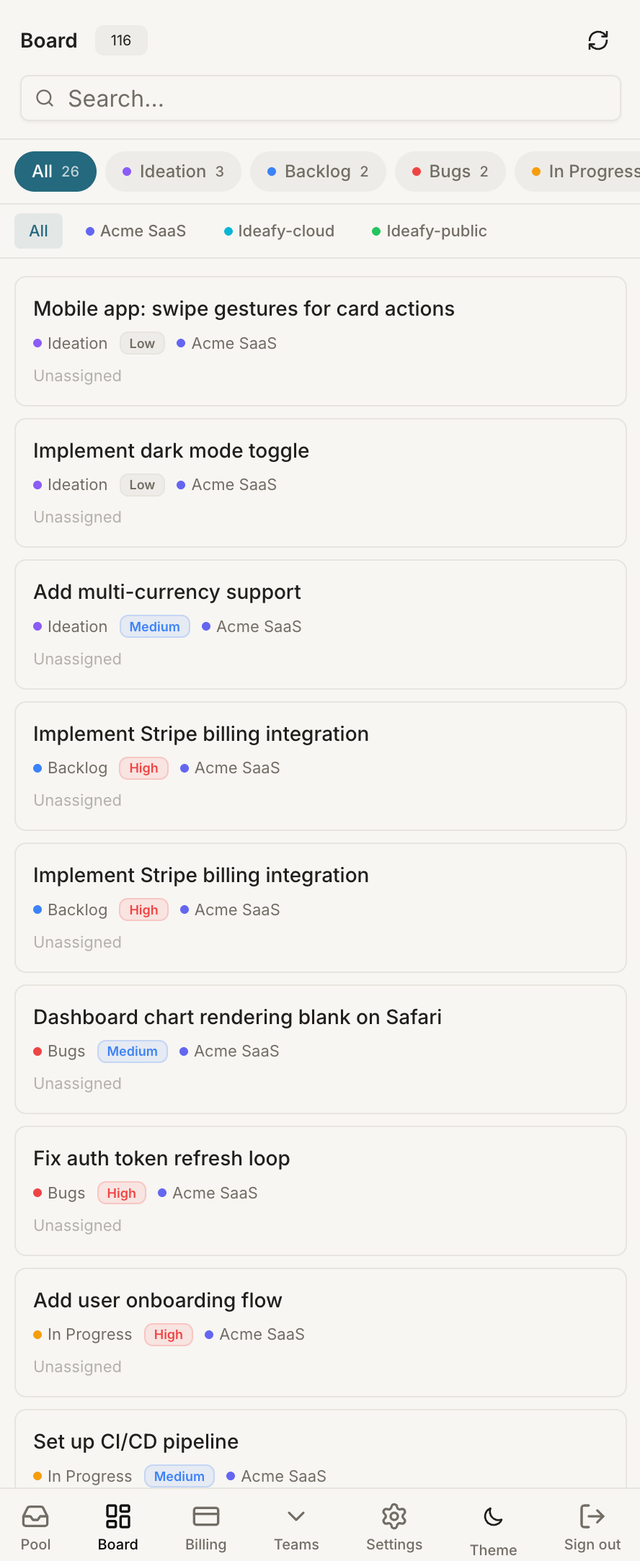
Drag-and-drop uses a 200 ms press-and-hold with a 5 px tolerance — long enough to distinguish from scrolling, short enough to feel responsive. If you tap without holding, the card opens instead of picking up.
Prev: Board overview Next: Focus view Up: User guide index