Card modal — Detail
The Detail tab is where a card says what it is. Description, context, links, screenshots — everything a teammate or an AI agent needs to understand the work before they touch it.
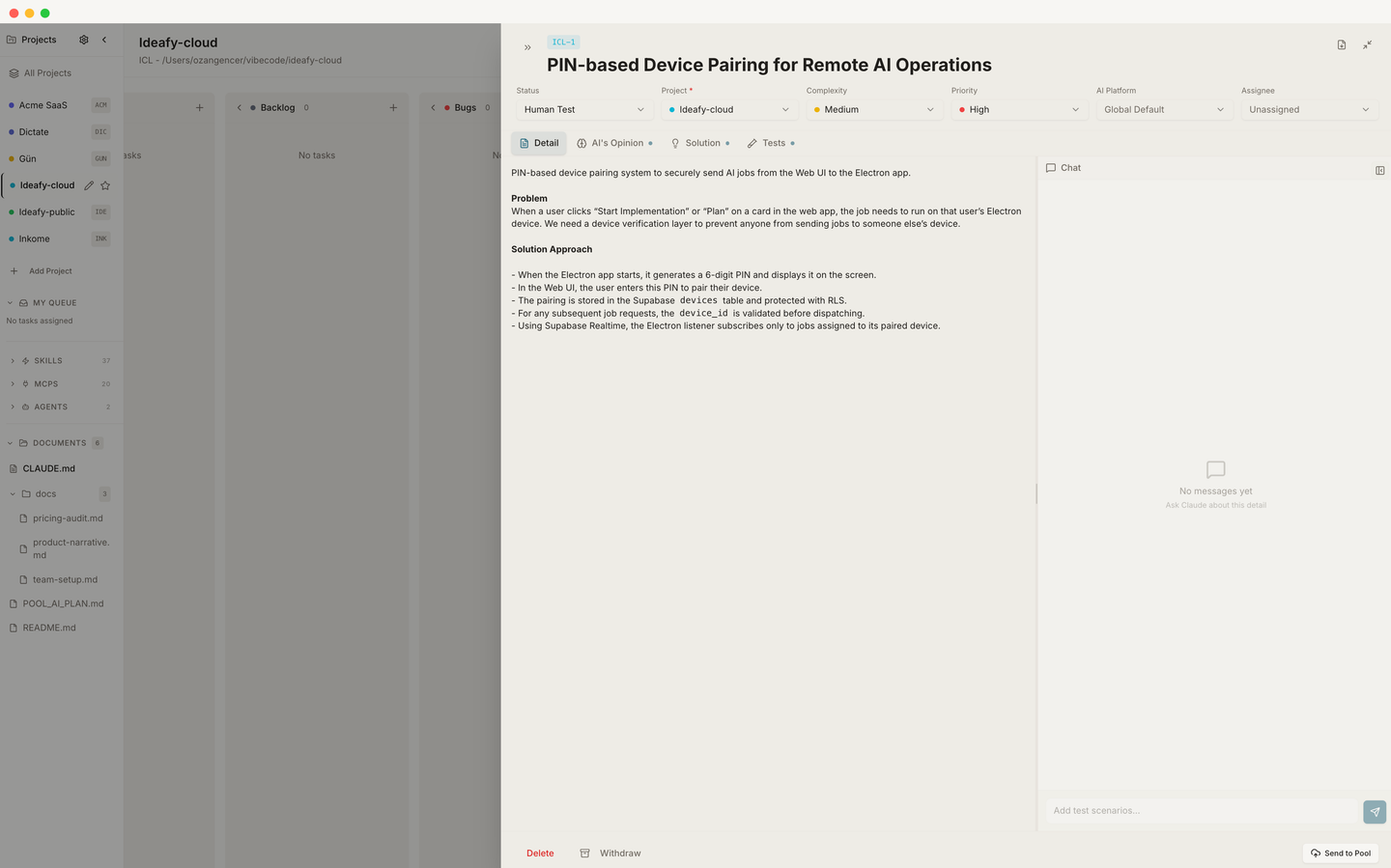
The editor
Detail is a full Tiptap editor configured with:
- StarterKit — bold, italic, headings, ordered/bullet lists, code blocks, blockquotes
- Tables —
Table,TableRow,TableHeader,TableCell - TaskList + TaskItem — checkbox lists (shared with the Tests tab)
- ImageResize — drag-to-resize inline images
- Placeholder — greyed-out prompt when the field is empty
- UnifiedMention / CardMention / DocumentMention — mention autocomplete (see Card chat & mentions)
You get the full markdown experience without leaving the rich editor.
What lives in Detail vs. the other tabs
A common first-day mistake is stuffing everything into Detail. Use the four tabs for what they're designed for:
| Put in Detail | Put somewhere else |
|---|---|
| The problem, the user-facing behavior, acceptance criteria at a high level | Implementation plan → Solution |
| Screenshots of the bug, reference designs | AI's take on scope & risk → Opinion |
| Links to Figma, Linear tickets, user reports | Concrete test cases → Tests |
| Constraints, non-goals, background |
This separation is what makes the card legible to an AI agent. When Claude Code runs save_plan, it appends to Solution, not to Detail — so your original context stays untouched.
Images
Paste or drag any image into the editor. Ideafy embeds it as a base64 data URI inside the card HTML. When you later push the card to the pool, images are extracted to keep the sync payload small — you won't notice this happening.
Saving
Detail saves on blur and on modal close. There's no explicit "Save" button; you can type freely and leave when you're done.
The chat panel
Each tab — Detail included — has its own conversation panel at the bottom. Conversations are scoped per (cardId, sectionType), so chatting about Detail doesn't pollute Tests or Opinion. See Card chat & mentions.
Prev: Quick entry flow Next: Card modal — AI Opinion Up: User guide index