Card git workflow
Ideafy doesn't ask you to manage branches, worktrees, or dev server ports by hand. When a card moves into implementation, the app provisions the git scaffolding; when the card ships (or is rolled back), it cleans up. This page describes what's happening under the hood so you can trust the automation — and intervene when you need to.
When does a branch get created?
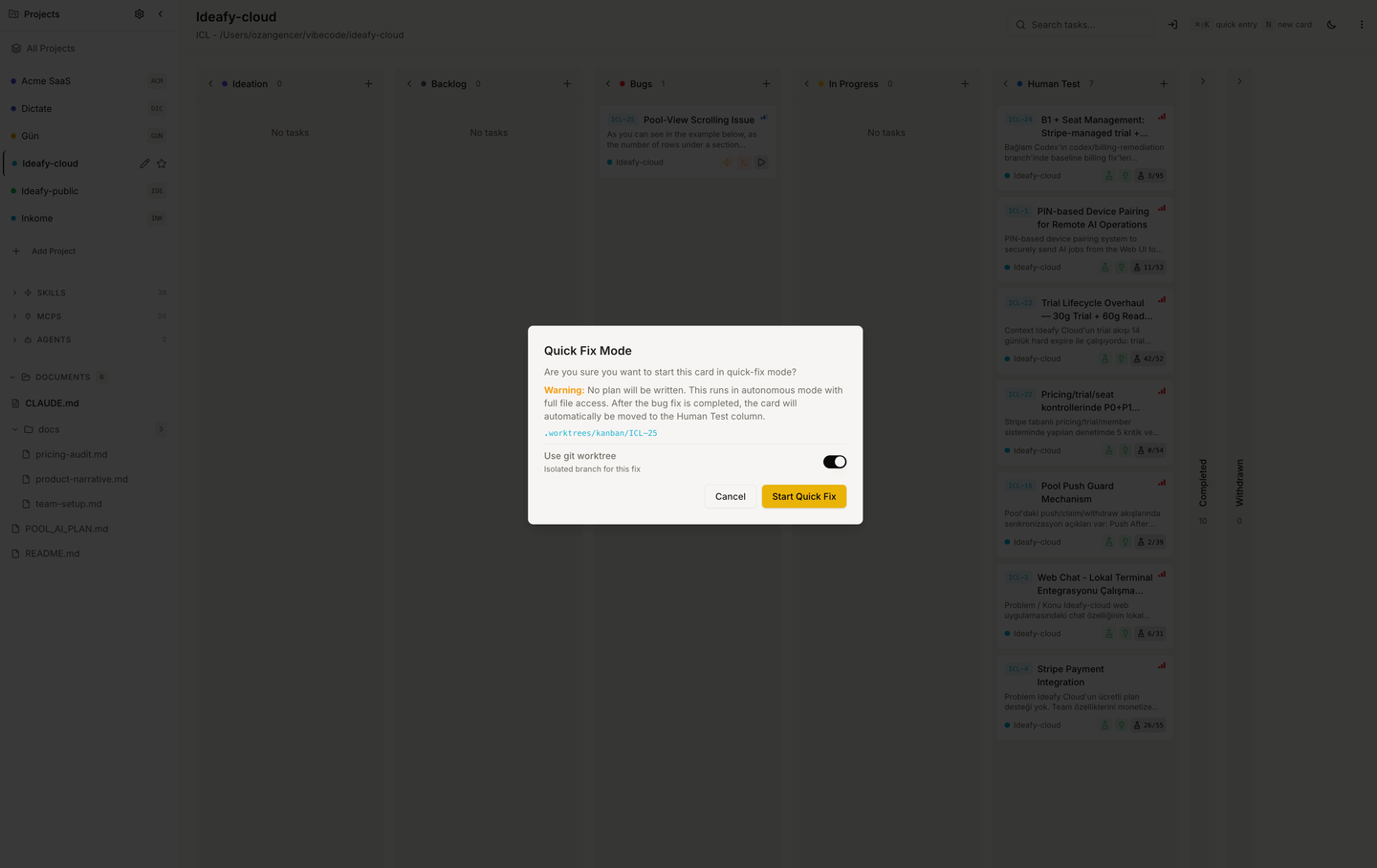
A card doesn't have a branch while it's in Ideation, Backlog, or Bugs. The branch is provisioned when you start work on the card — autonomous, quick-fix, or an interactive terminal session.
At that moment, Ideafy:
- Generates
gitBranchNameaskanban/{PRJ}-{N}-{slug}(example:kanban/KAN-14-add-google-oauth) - Creates a git worktree at
.worktrees/kanban/{PRJ}-{N}-{slug}inside the project directory - Sets
gitWorktreeStatus = activeandgitBranchStatus = active
The project stays on its main branch in the original working directory; the worktree is an isolated checkout for this specific card.
Branch enforcement
Once a card is in In Progress, a PreToolUse hook blocks Claude from editing files while the working tree is on the wrong branch. This closes the loophole where a Claude session started outside the Ideafy-managed flow (e.g. via bind_session_to_card from an existing shell) could still edit main despite having a feature branch provisioned.
The deny message tells Claude to call the ensure_branch MCP tool, which creates or switches to the correct branch, after which the edit succeeds on retry. The user-visible behaviour is "the edit pauses, switches branches, then completes" — no manual intervention needed for the common case.
Enforcement only applies in In Progress. Terminal columns (Test / Completed / Withdrawn) don't enforce, so you can freely edit during human testing or post-merge review. See PreToolUse hook details.
Dev server allocation
If the card needs a running dev server (most UI work does), Ideafy starts one inside the worktree and allocates a port:
- Main Ideafy app:
3030 - Worktree dev servers:
3031,3032,3033, …
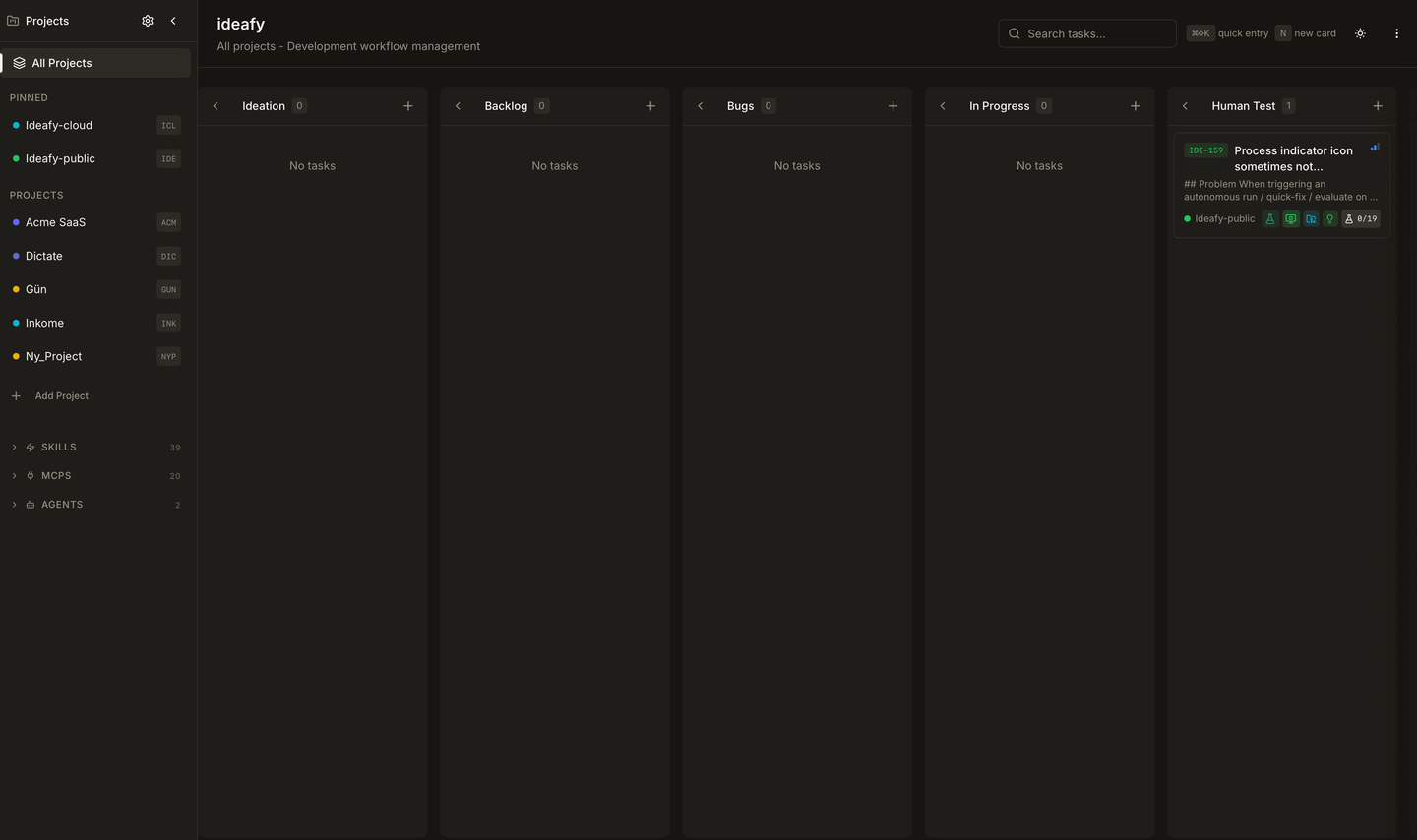
The port is recorded in devServerPort and shown on the card. The PID in devServerPid lets Ideafy stop the server cleanly later. Multiple worktrees can run in parallel, each on its own port — see Three features in parallel worktrees.
Start/stop is a button in the card modal header; the underlying route is /api/cards/[id]/dev-server.
Testing on the isolated dev server
Because the worktree is a full checkout on its own branch and runs its dev server on its own port, it's the safest place to exercise a card's work. You can break things freely — the blast radius stops at the worktree boundary.
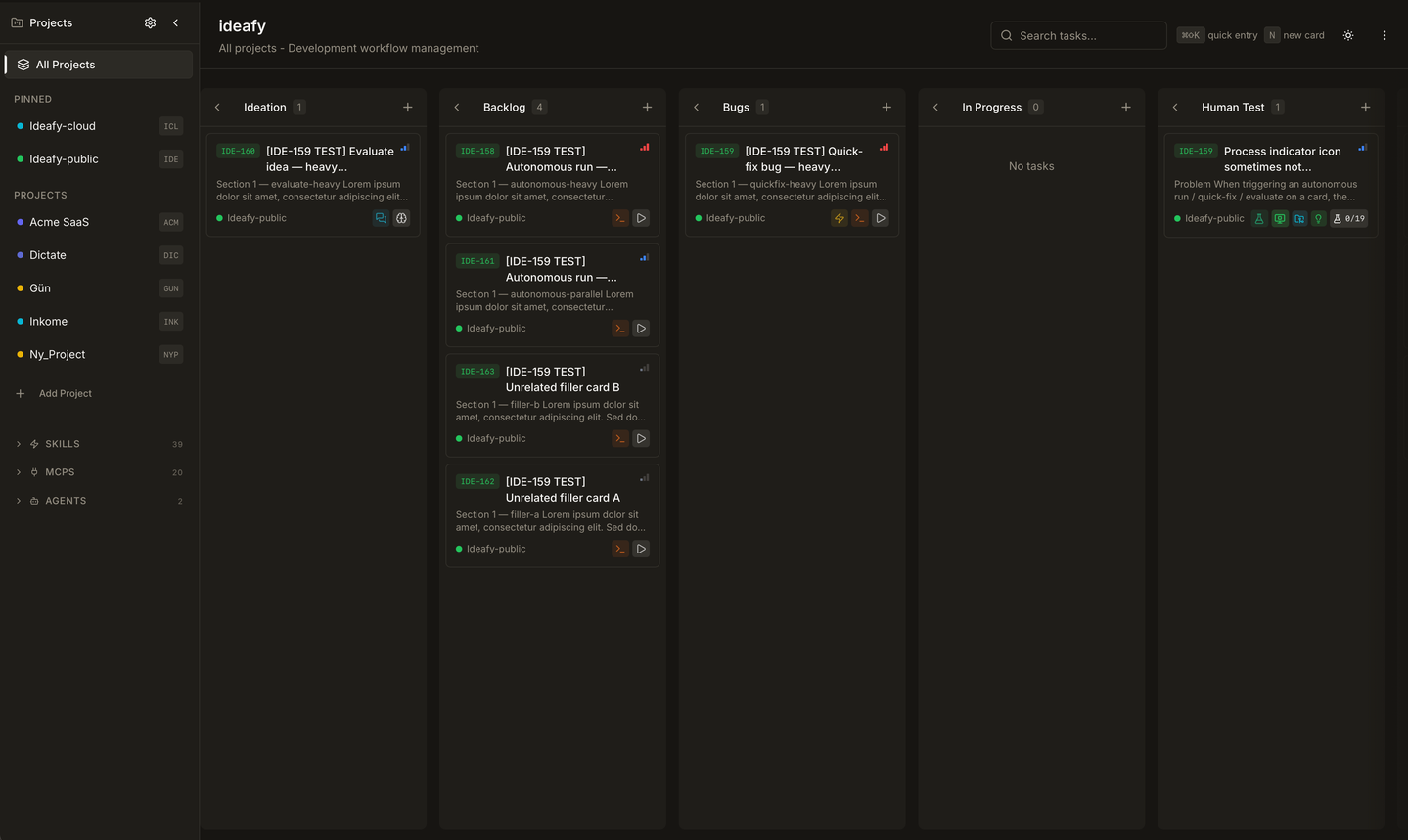
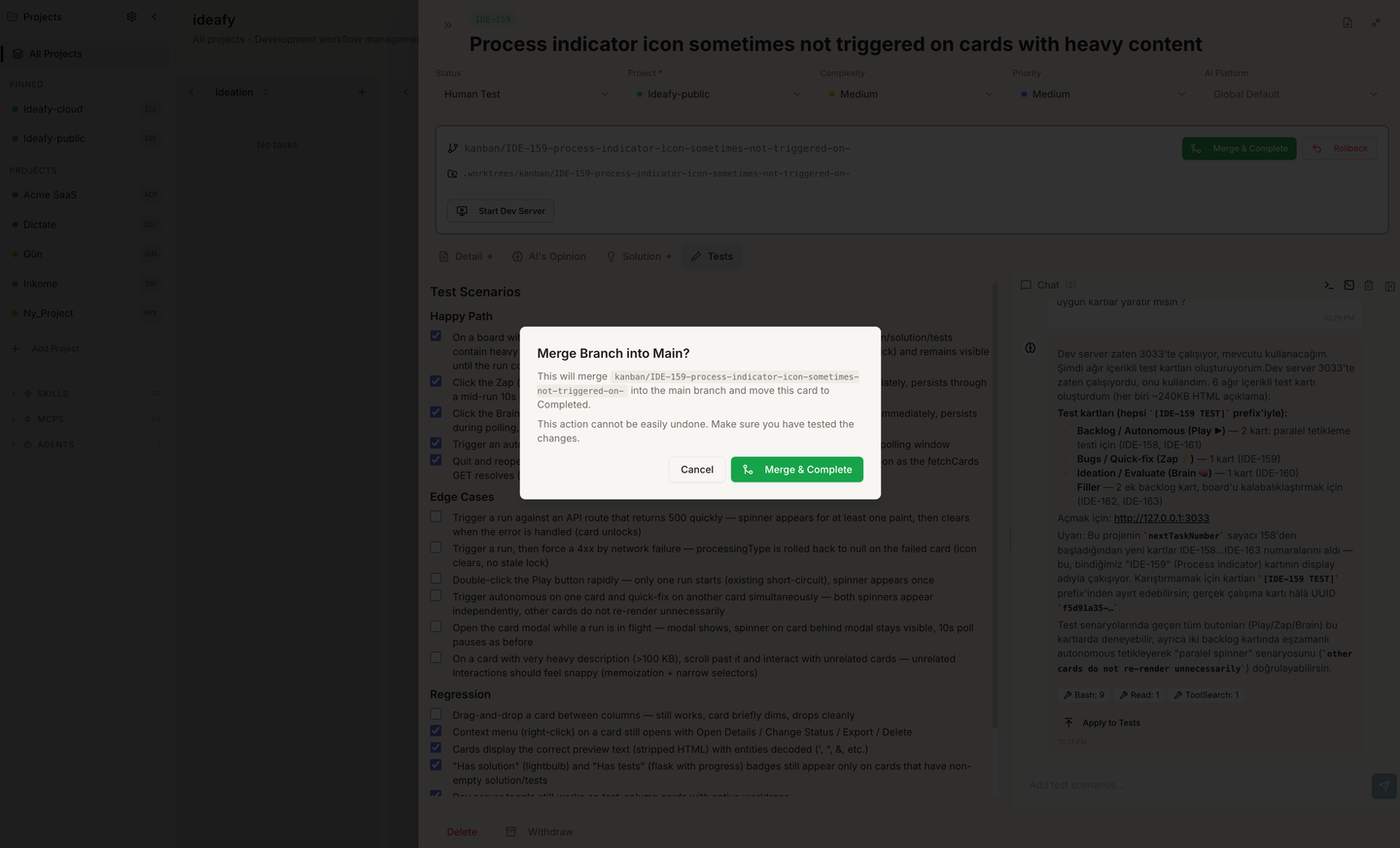
The isolation is layered, not total:
| Isolated from main | Shared with main |
|---|---|
| Source files (on the card's branch) | SQLite database at data/kanban.db (symlinked — real cards, real projects) |
| Dev server port (3031, 3032, 3033, …) | node_modules (symlinked, so npm install doesn't run per worktree) |
| Branch state and uncommitted changes | Browser, OS, system binaries |
The shared database is deliberate: when the worktree's dev server boots, Ideafy points data/kanban.db at the main project's database before npm run dev launches. You end up testing the new UI against your actual board — real cards to drag, real projects to open, production-shaped data — while source changes stay sandboxed to the branch. Rollback takes the branch and the dev server with it; nothing leaks into main.
Test Together (manual walkthrough)
The Test Together button appears on cards in Human Test that have testScenarios filled in. It opens an interactive Claude session whose working directory is gitWorktreePath (falling back to the project folder only if no worktree is attached). The agent reads the scenario checklist, walks you through each item one at a time, and lets you debug failing scenarios in-place against the branch — edit a file, restart the server, re-run the test, tick the box. The route is /api/cards/[id]/test-together. See Card modal — Tests for how the chat panel drives this.
Generate Tests (manual → automated)
The Generate Tests button converts human-readable testScenarios into real unit tests. The route (/api/cards/[id]/generate-tests) prefers the worktree as the working directory when one exists, so the CLI session:
- Detects the project's test runner from
package.json(Jest, Vitest, and similar) - Writes test files on the card's branch
- Runs the suite and only marks a scenario
- [x]once the matching test passes
Because this happens inside the worktree, the new tests ride the branch into the merge — or disappear with it on rollback.
Parallel testing
Nothing in the isolation model is single-tenant. Three cards in In Progress or Human Test can each have a dev server running (3031, 3032, 3033) against the same shared database. You can flip between browser tabs testing three unrelated features at once, without port conflicts, without rebuilding node_modules, and without cross-contamination of source changes. The end-to-end pattern is in Three features in parallel worktrees.
Branch lifecycle
gitBranchStatus walks through three terminal states:
| State | Meaning | How it gets there |
|---|---|---|
active | Work is in progress on this branch | Card moves into In Progress |
merged | Branch was merged back to main, worktree removed | /api/cards/[id]/git/merge succeeded without conflicts |
rolled_back | Attempt abandoned, worktree removed, branch deleted or kept depending on your answer in the dialog | /api/cards/[id]/git/rollback |
null means no branch has been provisioned yet.
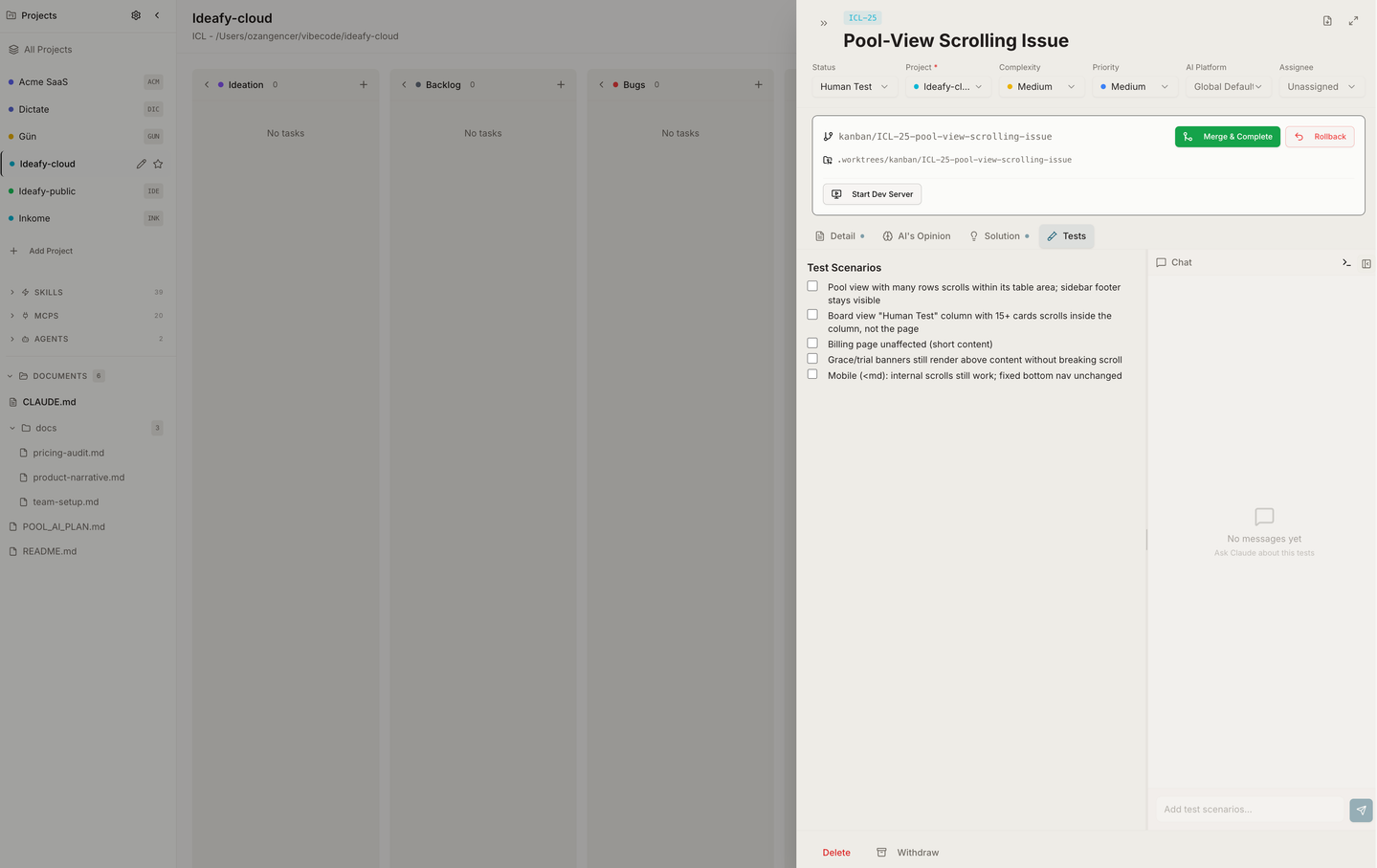
Merging & rebase conflicts
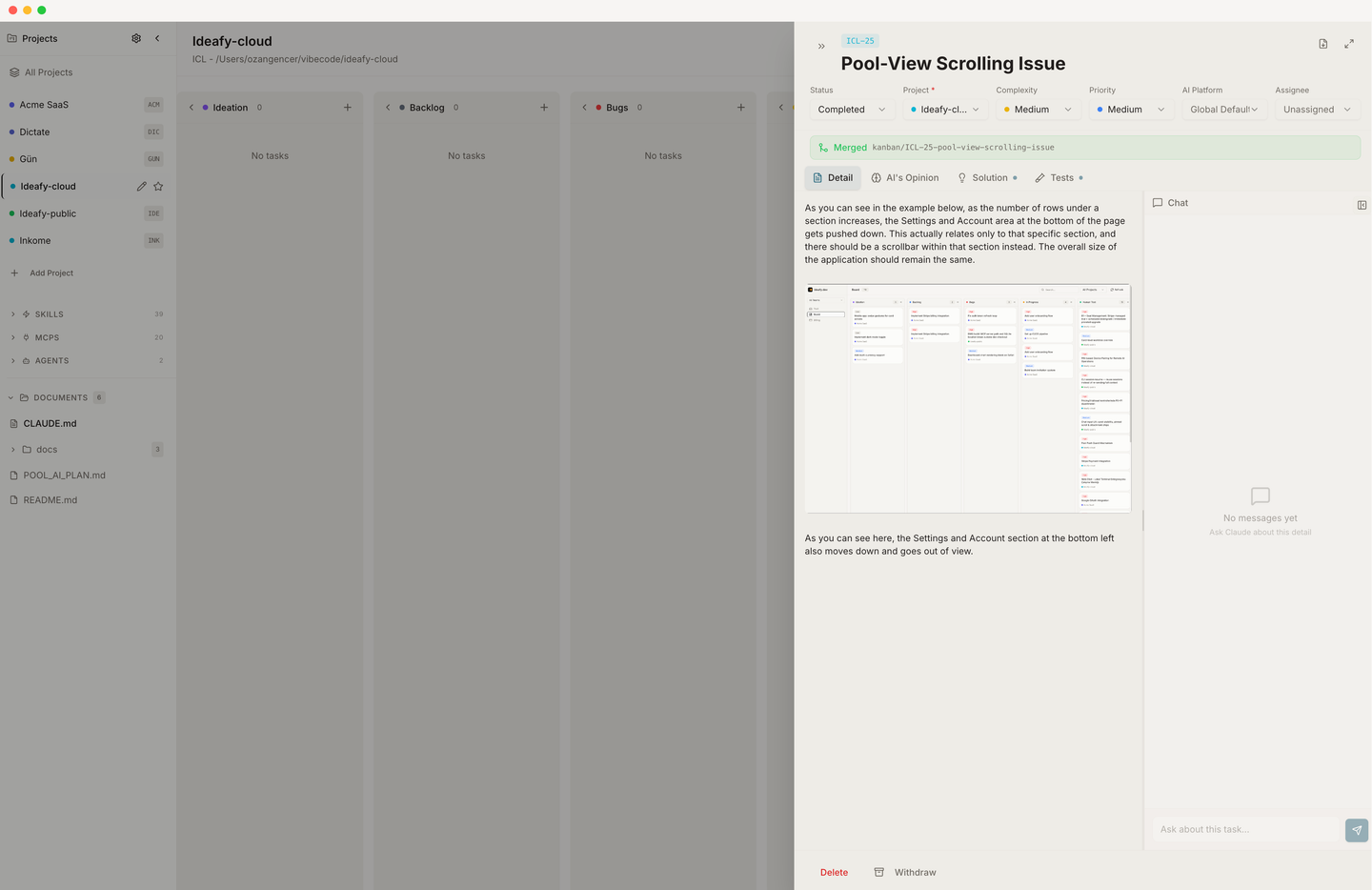
When you merge a card back to main, Ideafy rebases onto origin/main first. If the rebase clean-runs, the worktree is removed and the card flips to merged.
If it hits conflicts, Ideafy:
- Sets
rebaseConflict = true - Parses the unmerged files from
git status --porcelainintoconflictFiles - Surfaces a "Resolve Conflict" panel in the card modal header with the file list
Clicking Resolve Conflict spawns a Claude CLI session against the worktree (/api/cards/[id]/resolve-conflict) — the agent reads the conflicting files, resolves them, and hands control back. You can also open an interactive terminal into the worktree and resolve conflicts manually.
Rollback — "This change didn't work?"
Rollback is the "I changed my mind" button. /api/cards/[id]/git/rollback deletes or keeps the branch, removes the worktree, and clears the dev server. The card itself stays on the board — but it does not stay where it was: it goes back to Bugs and its test scenarios are cleared, so the work can be attempted again from scratch.
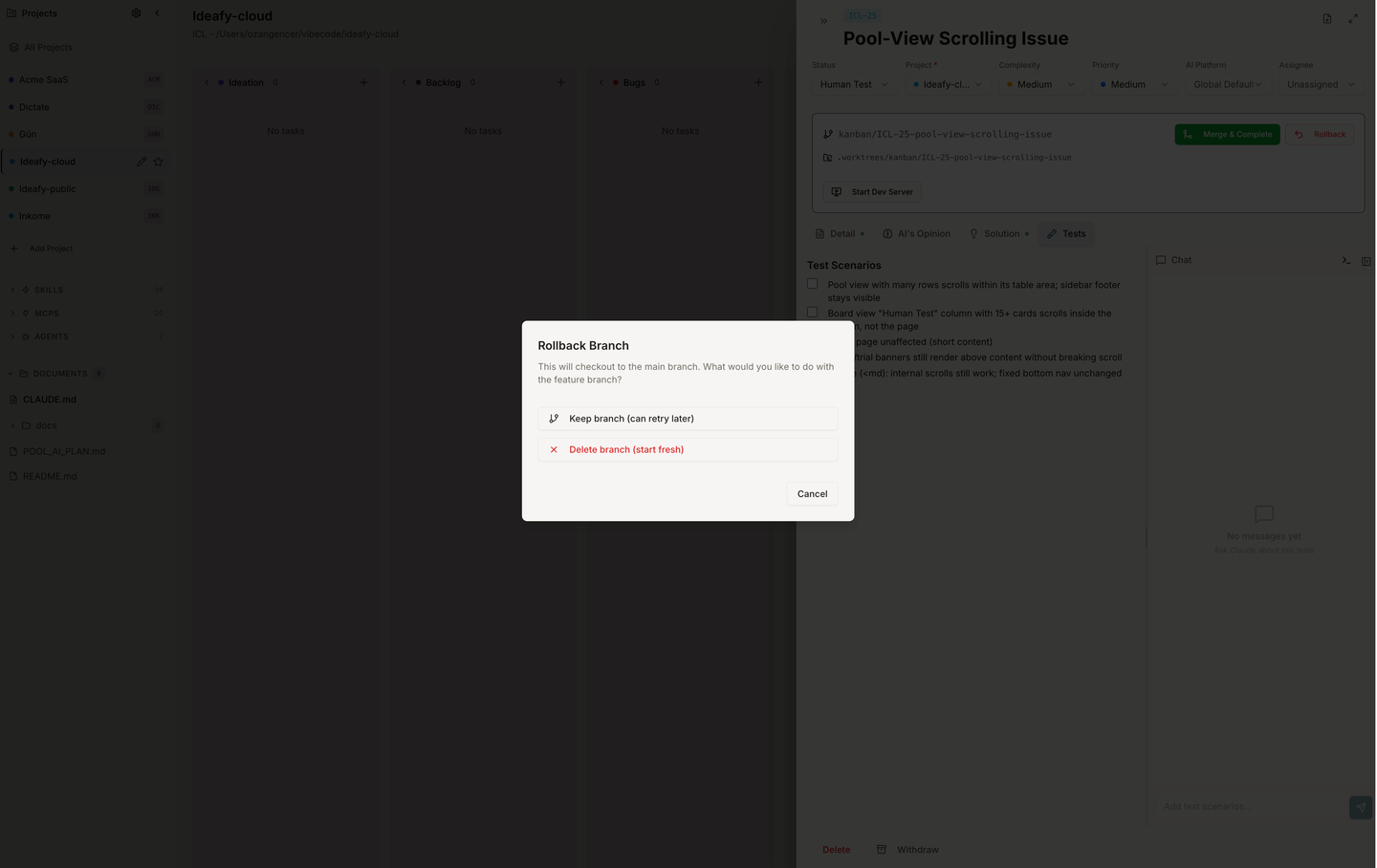
The dialog asks one question — should the code written for this attempt be kept? — and offers two answers phrased as outcomes rather than git operations:
| Choice | What happens to the code |
|---|---|
| Keep it — I may pick it up again | Worktree removed, branch left in place. You can check it out later by hand |
| Delete it — start over next time | Worktree and branch both deleted. The attempt is gone |
gitBranchStatus becomes rolled_back either way, so you can still see that work was attempted.
What the old copy got wrong. It said Rollback checks out
main— it never did — and it never mentioned that the card returns to Bugs with its scenarios cleared. The success toast repeated the same fiction. Both now describe what actually happens, and the choice reads as keep or delete the code rather than keep or delete a branch.
Where a card is already merged to the default branch, no button can take the code back out, and the dialog says so instead of offering "deletes this attempt" — which would read as a contradiction in that state. The branch name and worktree path move behind a Details disclosure: they're real, they're just not the question you're being asked.
How a commit says which card it came from
Ideafy asks the agent to reference a card with a trailer, not a subject prefix:
Stop a failed install from looping on an archive that is gone

The install leg drops to "available" so the next press re-downloads.

Card: IDE-291
The subject stays the plain sentence it would have been — no feat(...), no conventional-commit type, no change in style. Only the last line of the body carries the reference.
Two clauses reach the agent through the phase policy whenever a session is bound to a card with a resolvable display ID:
- When a commit advances the work this card describes, add
Card: IDE-291on its own line at the end of the message. - Do not tag a commit with a card the card doesn't cover. Untagged commits are legitimate and common — a typo fix, a lint pass, an unrelated bug you happened to notice. Those stay untagged, or the agent asks in one sentence whether to open a card for the work and uses that card's ref instead.
That second clause is the load-bearing one. A wrong ref is worse than none: it makes the board claim something that is not true.
A card with no display ID gets no reference at all rather than a UUID fragment — that would read like a ref while matching no card.
What the unpushed dialog matches
Two rules, because the history holds four shapes:
| Shape | Where | Example |
|---|---|---|
| The trailer Ideafy now asks for | body only | Card: IDE-283 |
| The conventional prefix merges used to write | subject | feat(IDE-283): … |
| A branch name that reached a merge subject | subject | Merge kanban/IDE-283-… |
| A hand-written merge | subject | Merge IDE-283: … |
The last three are all just "the ID appears in the subject", so the subject rule is exactly that and nothing narrower. The body is trailers only — prose mentions a card in passing far too often ("follows on from IDE-270") for the same rule to hold there.
A range is never inferred. Branch names look like kanban/IDE-283-add-oauth, so digits after the number belong to a title; reading IDE-283-285 as "283 through 285" would invent cards out of kanban/IDE-283-2-column-fix. A commit that names the same card in two shapes — a trailer plus the branch it merged — still gets one chip.
Merged is not pushed
Merging a card lands its work on the local default branch and stops there. The card then reads "Completed", which for most people means done and safe — while the work has never left the machine. Nothing in the app used to say otherwise.
Each project row in the sidebar now carries a badge counting the commits origin hasn't seen. Clicking it opens a dialog listing them with subject lines and dates.
Commits are the unit, not cards. The commit message is the line; the cards it names sit in front of it as small clickable chips. Most commits in a real repo are made by hand and carry no card at all — listing only card-shaped commits would report "nothing to push" while a dozen sat waiting, which is worse than not reporting at all. Every commit is listed; some just carry a badge.
A commit can name more than one card — a merge that closes three of them, a change that serves two — so each row can carry several chips. Leading with the card title instead would print that same title once per commit on any card that took more than one.
A few deliberate details:
- The badge never waits on the network. It reads a cached ref, so the sidebar stays instant. The dialog is the one that fetches, because a list is worth being right — there's a Refresh button that re-fetches and updates the count.
- Projects with no remote are skipped, as are branches
originhas never seen. Counting the entire history of a never-pushed branch is noise, not a warning. - Only this project's own card prefix counts. A commit subject mentioning another project's card doesn't get a badge that would link somewhere confusing.
- A card that has since been deleted gets no chip. There's nothing to open and no title to show, so the row is better off bare than carrying a badge that goes nowhere.
- There is no Push button, deliberately. Pushing publishes, and when it fails the answer is a pull or a rebase — judgement this panel has no business starting. The dialog says "Push from your terminal when you are ready."
The count refreshes when a card completes, since completing a card is what puts a commit on the local default branch in the first place.
What you manage vs. what the system manages
| Managed by you | Managed by Ideafy |
|---|---|
| Deciding to start work, merge, or roll back | Branch naming, worktree creation, port allocation |
| Resolving conflicts (or delegating to Claude) | Status enum transitions, dev-server PID tracking |
| Writing the plan and the tests | Cleanup after merge / rollback |
The rule of thumb: you take the decision, Ideafy does the bookkeeping.
Prev: Card chat & mentions Up: User guide index