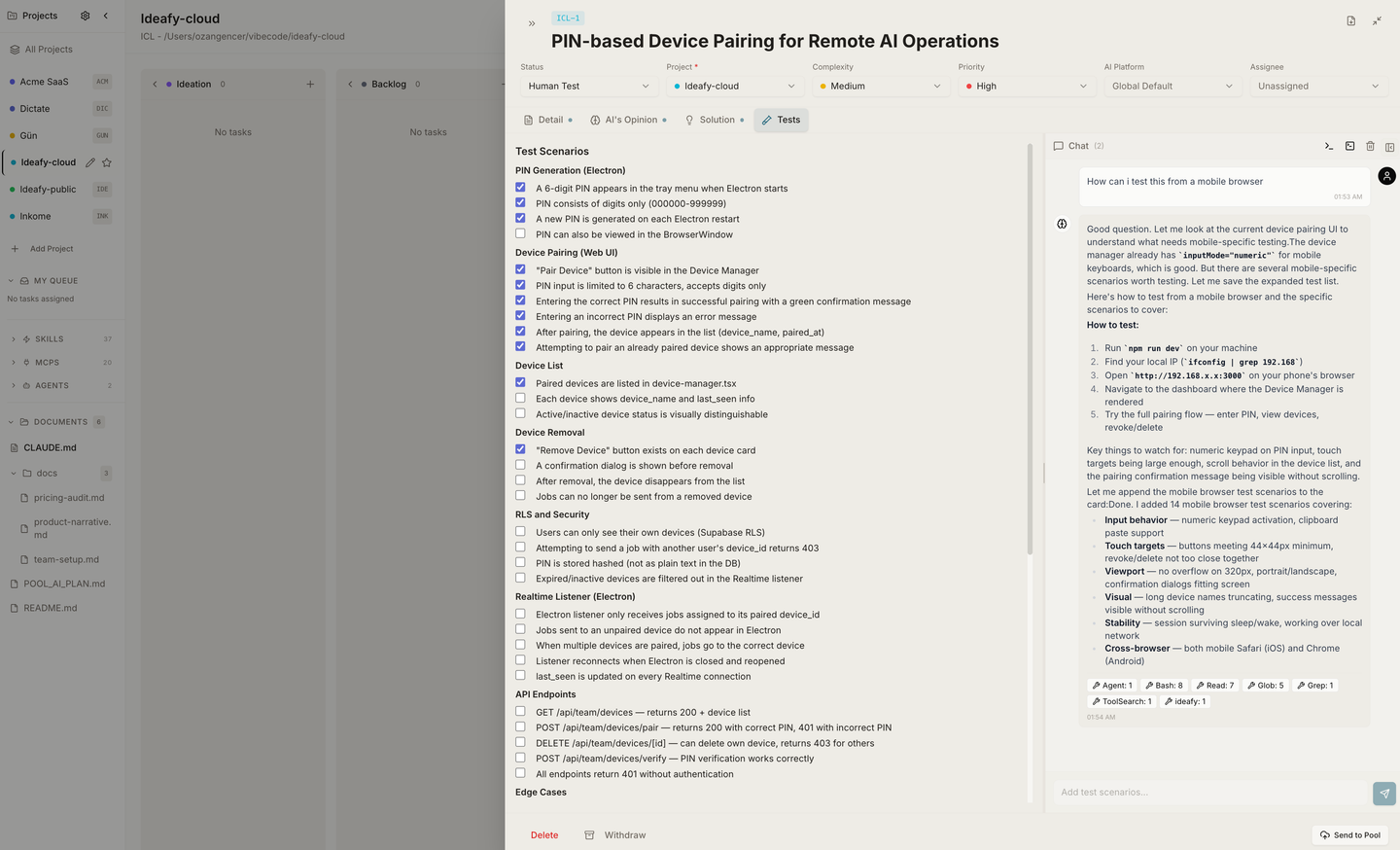
A card in Ideafy is not just a title and a description. It's a container with enough context to be executable — plan, tests, AI opinion, git branch, dev server port, assignee. Every field exists because, at some point, an AI or a teammate needs it to act on the card without asking you.
Link to the Supabase pool row, if this card is synced
poolOrigin
pushed / pulled / null
How the link was created
assignedTo
user UUID / null
Team member currently responsible
assignedToName
string / null
Display-name cache for the UI
Lifecycle
Field
Values
Meaning
createdAt
ISO timestamp
Creation time
updatedAt
ISO timestamp
Last edit
completedAt
ISO timestamp / null
When it entered Completed — drives the Completed filter
Card icons cheat sheet
The surface of each card packs a lot into very little space. From left to right you'll see:
Project strip — a colored tab on the left, matching the project's color
Task ID — KAN-14 style identifier
Chain code — a small LOOP-style chip beside the task ID when the card belongs to a chain. Same shape as the display-ID chip, so the two read as one identity strip
Title — truncated on narrow columns, full in the modal
Priority bars — one, two, or three bars
Complexity badge — small "L / M / H"
Processing indicator — an animated ring when an AI job is running
AI verdict — Brain icon with a green check if positive, red cross if negative
Git branch chip — branch name if a worktree is attached
Dev server port — port number if a dev server is running
Age chip — 5d / 3w / 7mo, shown only once the card has outstayed its column's threshold — at which point the card has also left the column's flow for its Stale row. Absent on fresh cards and on Completed / Withdrawn entirely. See Stale cards leave the flow
Assignee avatar — in the Team edition, the current owner
Editable from the UI
title, complexity, priority, status — inline from the card or the modal footer
description / solutionSummary / testScenarios / aiOpinion — from the four modal tabs
aiPlatform — per-card override selector
Everything git-, process-, and pool-related — driven by actions, not fields. You can't set gitBranchStatus directly; you take an action (start work, merge, rollback) and the system writes the field.